



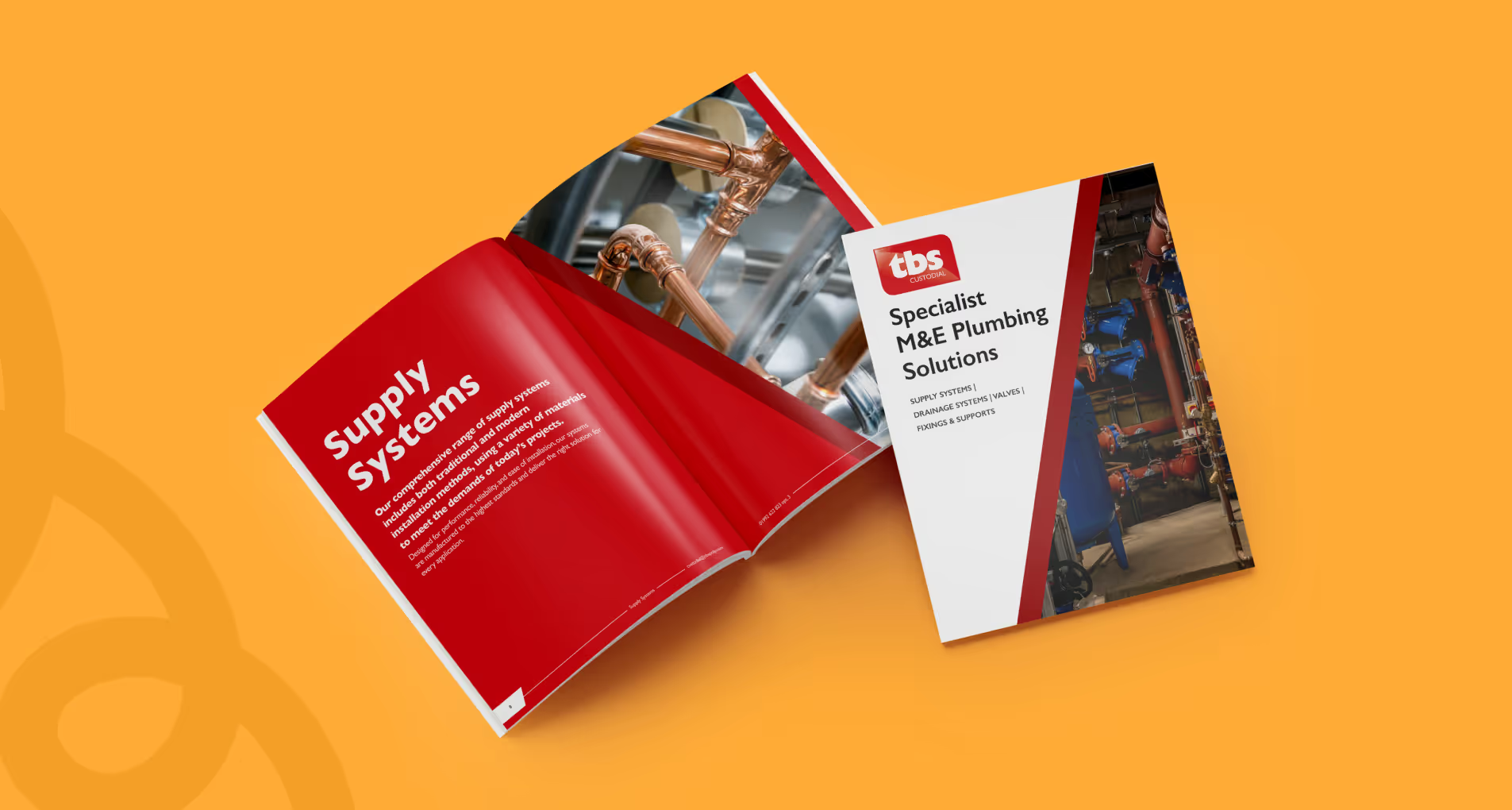
A specifier opens your product catalogue during Stage 3 design development. They need a U-value, a fixing detail, and confirmation that your system meets Part L. They have four minutes.
If your catalogue makes them scroll through company history, lifestyle photography, and generic sustainability statements before reaching a single technical table, they will close it and specify the competitor they used last time.
We work with building product manufacturers whose catalogues are technically comprehensive but practically unusable. The problem is rarely the information itself. It is the structure, the format, and a fundamental misunderstanding of how architects and M&E engineers actually work. For a marketing agency for manufacturers, getting this right is not about prettier layouts. It is about converting technical documentation into a specification tool.
Specifiers do not read catalogues. They interrogate them.
They arrive with a specific question: will this work for my project? They need to validate performance data, check compatibility, confirm compliance, and extract the information required for an NBS clause or a performance specification. Then they leave.
Your catalogue is competing with BBA certificates, technical approvals, and NBS product libraries. It needs to answer questions faster than a Google search, clearer than a phone call to technical support, and with enough authority that the specifier trusts it enough to commit to a project drawing.
That means:
If your catalogue feels like a sales brochure with datasheets attached, it is structured backwards.
Most catalogues follow the logic of a sales meeting: introduce the company, explain the benefits, build trust, then present the products. This works when someone has committed twenty minutes to a conversation. It fails completely in a PDF opened during a deadline.
Start with a contents page that works as a decision tree. Not a list of page numbers, but a map of how your range solves different project needs. Group by application, by performance requirement, or by building type. Let someone specify a system for a plant room or a wet room in two clicks, not two chapters.
Within each section, lead with the technical hierarchy a specifier expects:
1. Product overview: what it is, what it does, where it is used
2. Performance data: the numbers that go into specifications and compliance documents
3. Physical properties: dimensions, weights, materials, finishes
4. Installation and compatibility: what it fixes to, what it works with, what it needs around it
5. Compliance and approvals: CE marks, British Standards, BBA certificates, test reports
This is not about dumbing down. It is about respecting the fact that technical credibility comes from clarity, not volume. A two-page product entry that answers every specification question is worth more than a twelve-page feature with abstract diagrams and stakeholder quotes.
Your catalogue will be opened on a second screen during a Teams call, skimmed on a tablet on site, or searched at 11pm when someone is finishing a specification document. Designing for print and exporting to PDF is not good enough.
A usable digital catalogue is:
If your catalogue only makes sense as a printed A4 landscape document collected at an exhibition, you are designing for 2008.
Specifiers need data. But they also need to understand what they are looking at.
A page dense with tables, dimensions, and certification logos can still be confusing if there is no visual anchor. A technical drawing, an exploded diagram, or a sectional detail gives context that makes the data meaningful. The trick is knowing what to show.
Lifestyle photography of a finished building rarely helps. A specifier does not need to see your ceiling tile in a beautiful atrium. They need to see how it fixes to a grid, how the edge profile works, and what happens at a lighting cut-out.
Useful visuals for product catalogue design:
Every image should answer a specification question. If it does not, it is decorative, and decorative content in a technical catalogue is just friction.
Many specifiers do not write clauses from scratch. They use NBS, modify previous project specs, or adapt manufacturer clauses. Your catalogue should make this easier, not harder.
Include NBS-ready descriptions. Provide example clauses. Give specifiers the language they need, formatted the way they will use it. If your system has multiple configurations, spell out the designation codes and selection logic. Do not make someone reverse-engineer your product matrix to write a specification.
If your products appear in NBS Chorus or the NBS Source, reference those entries in your catalogue. If you have BIM objects, link to them. If there is a specification guide, CPD, or technical advisory service, make it visible at the point someone is making a decision.
The best catalogues are not closed documents. They are entry points into an ecosystem of specification support that makes your products easier to use than the competition.
A great product catalogue is not a marketing asset that happens to contain technical information. It is a technical tool that happens to build your brand.
If your catalogue is not driving specifications, the problem is probably not your products. It is how you have made them available to the people who matter most.
We are a creative agency for construction businesses that take specification seriously. If your catalogue needs to work harder, we would be glad to help you rebuild it.
The same principles apply to our brochure design work: lead with what specifiers need, and let the decoration follow.


Trusted by 23+ clients